Skip to content

Compress PDF Without Uploading

Summary: Kompres PDF compresses files entirely on your device, so nothing is uploaded to a server. This is how it works: modern browsers load a selected file and run compiled code locally: according to MDN's File API documentation, JavaScript reads the document directly from disk, and according to the WebAssembly specification, the compression engine runs in an isolated virtual machine. The result is private PDF compression for contracts, bank statements, and medical records, with no cloud storage and no third-party exposure.

Your files are never uploaded to our servers — all compression happens right inside your browser

Drop your PDF files here

or pick multiple files at once from your device

Choose PDF files

True Client-Side Processing Architecture

Standard online PDF tools transmit your documents across the public internet to third-party cloud servers where they sit in temporary buckets or logs. Kompres PDF operates 100% in your browser using client-side JavaScript and WebAssembly — your document bytes never touch our server. According to the File API documentation [2], no network request is required to load the document, and according to the WebAssembly specification [3], compiled code runs inside a memory sandbox. For the full technical picture, read the PDF compression guide.
Ideal for Confidential & Regulated Documents

Whether you are shrinking financial audits, tax records, medical histories, legal contracts, or identity documents, client-side processing guarantees your data stays under your physical control and complies with strict internal privacy policies.

Works Safely on Any Device

Because the compression engine runs in modern desktop and mobile browsers (Chrome, Safari, Firefox, Edge), you don't have to install unverified desktop software or browser extensions that request broad filesystem access.

Honest Limitations & Security Boundaries

Processing speed is determined by your device's available CPU and RAM. Because no cloud cluster is crunching the file, extremely large documents (e.g. 500+ pages) take longer to process on older hardware. According to the PDF 32000-1:2008 specification [1], every page carries structural overhead — dictionaries, cross-reference tables, and stream headers — that no compressor removes, which is why a tiny target size is not achievable.

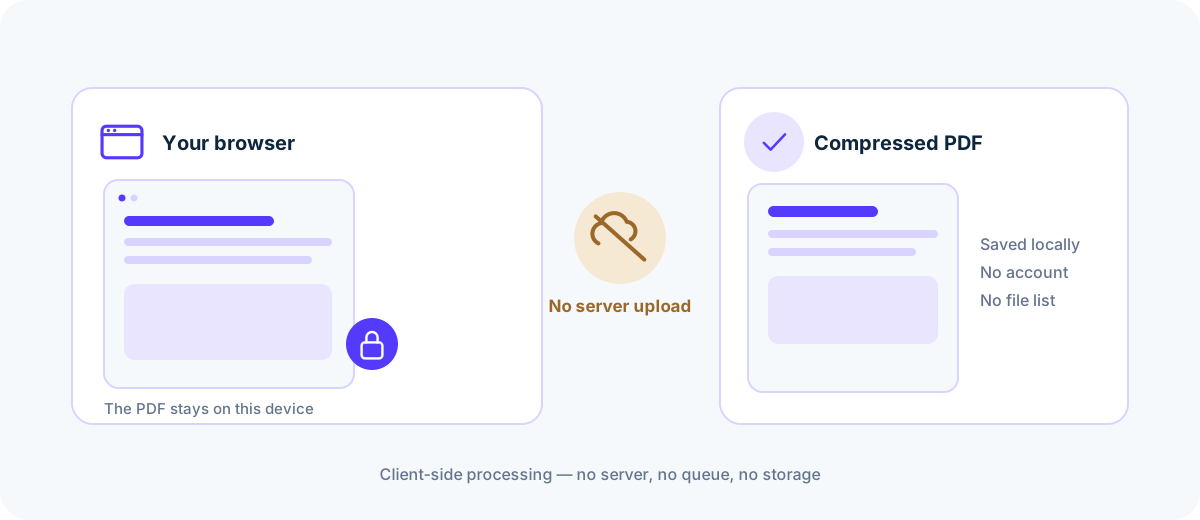
A PDF compressed inside the browser tab, with nothing sent to a server
The file and its text never leave the device.
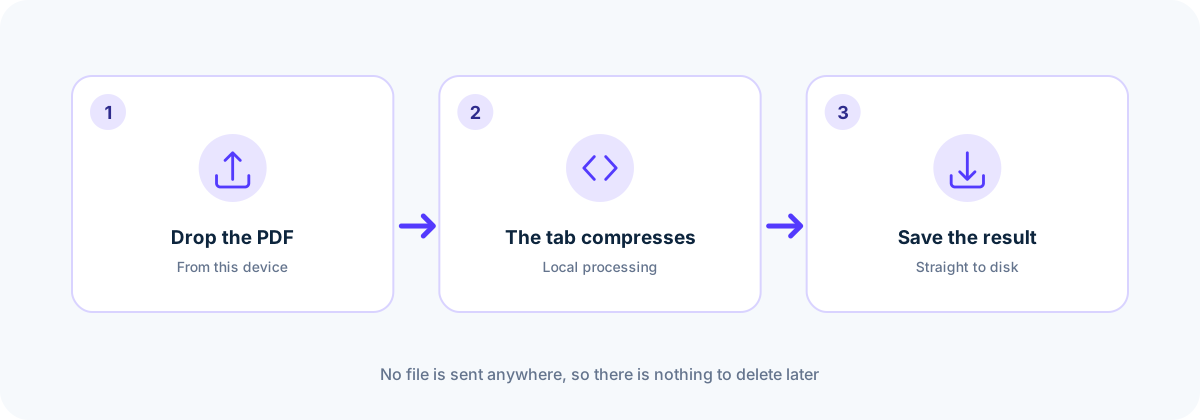
Three steps that stay on one device: drop the PDF, compress in the tab, save the result
Closing the tab ends the session.
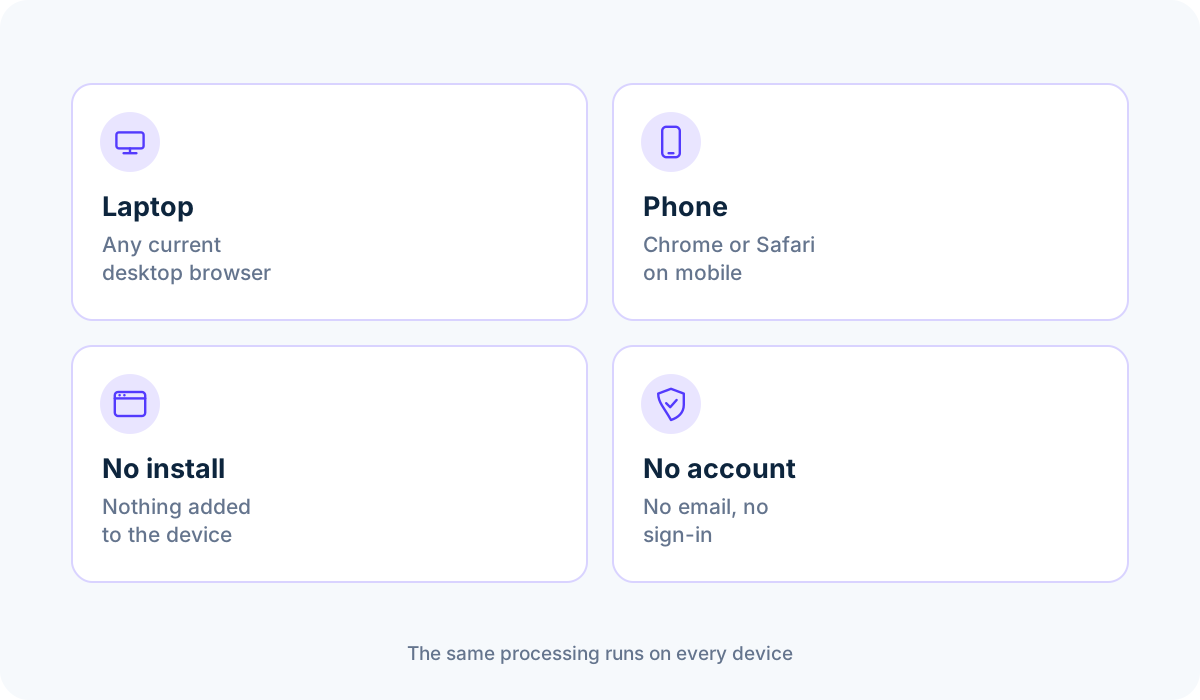
A laptop and a phone running the compressor in a browser tab, with no install and no account
No install and no account on any device.

Common questions

How do I verify that my PDF is not uploaded anywhere?

Open your browser's Developer Tools (Network tab) while compressing a document. The Network tab shows zero POST or upload requests containing your file data.

Does this tool work if I disconnect my internet after loading the page?

Yes. Once the web application code and web workers are loaded in your browser cache, the compression algorithm executes entirely offline in your local memory.

Are my files stored in browser cookies or localStorage?

No. The document resides only in transient memory during active processing and is discarded the moment you empty the queue or close the tab.

Sources & further reading

Standards, official documentation, and technical references behind the guidance on this page.

  1. 1.PDF 32000-1:2008 — Portable Document Format — Adobe / ISO
  2. 2.File API — MDN Web Docs
  3. 3.WebAssembly specification — W3C WebAssembly Community Group