Compress PDFs without uploading them
Summary: Kompres PDF is a free browser-based compressor that reduces PDF file size without uploading the document to a server. It is a fast, private way to shrink a PDF for email, job portals, or cloud storage: files are processed locally in batches of up to 10 documents of 50 MB each, with no account and no watermark. According to the PDF 32000-1:2008 specification, embedded images and font streams account for the bulk of a file's weight, which is why image-heavy documents shrink by 40–80% while text stays sharp.
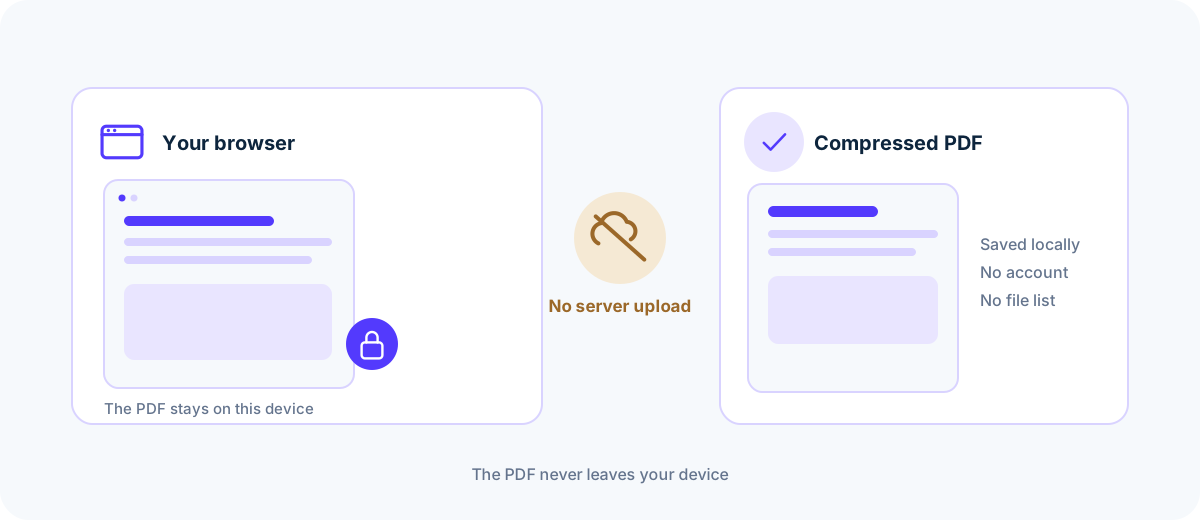
Your files are never uploaded to our servers — all compression happens right inside your browser
Drop your PDF files here
or pick multiple files at once from your device
Choose PDF files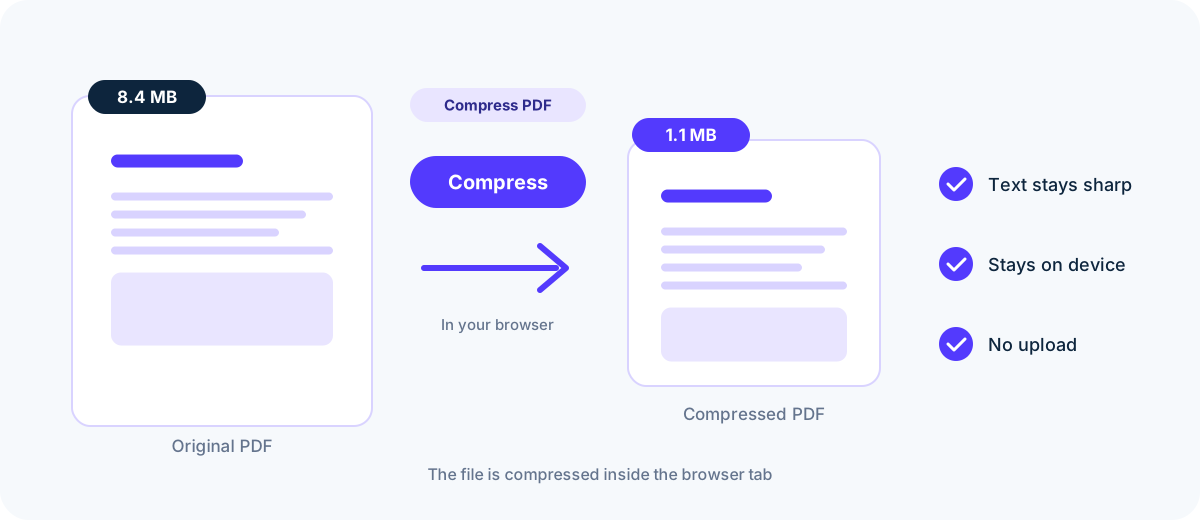
How do I compress a PDF without uploading it?
- 01
Add your files
Drag PDFs into the drop zone or pick them from your device.
- 02
Pick a compression level
Choose your balance between quality and file size.
- 03
Download
Save files one by one or grab everything as a single ZIP.
Why compress a PDF in your browser?
Server-based compressors upload your document to a server before anything happens. Kompres PDF works differently: the PDF parser and encoder run inside your own browser tab, so the file is parsed, re-encoded and rebuilt on your device. Nothing is transmitted, queued, or stored, which is why the tool is used for contracts, payslips, medical records, and identity documents. According to MDN's File API documentation [2], the browser reads the selected file directly from disk, and according to the WebAssembly specification [3], the parser and encoder execute in a sandboxed virtual machine.
Compression re-encodes the images and content streams inside the PDF at a lower resolution or quality. Scanned documents and photo-heavy brochures shrink by 40–80%, while text-only files save less because their content is already compact. Choose High Quality when fine detail matters, Balanced for email attachments, or Smallest Size when a portal enforces a hard cap. Each session accepts up to 10 files, 50 MB per file, and 200 pages per PDF. According to the PDF 32000-1:2008 specification [1], images and font streams account for the bulk of a document's byte weight, which is why scanned and photo-heavy files respond best to compression. According to the WebAssembly specification [3], the compression passes run in the same sandboxed virtual machine, so the rebuilt file is produced on your device.
Common questions
Are my files uploaded to a server?
No. Everything runs inside your browser using modern web technology. Your files never leave your device.
Is it free?
Yes, completely free and no sign-up is required. Each session accepts up to 10 files, 50 MB per file, 100 MB in total, and 200 pages per PDF.
What is the typical size reduction?
It depends on the content. Scanned or image-heavy PDFs shrink by 40–80%, while text-only PDFs save less.
Is there a file size limit?
50 MB per file, 10 files (100 MB) per session, and 200 pages per PDF. Files above those limits are rejected before compression starts.
Does quality suffer?
With High Quality the difference is barely visible. Smallest Size downsamples images more aggressively.
Sources & further reading
Standards, official documentation, and technical references behind the guidance on this page.
- 1.PDF 32000-1:2008 — Portable Document Format — Adobe / ISO
- 2.File API — MDN Web Docs
- 3.WebAssembly specification — W3C WebAssembly Community Group